Better decisions.
Less manual work.

ToolPlex helps your company predict what comes next, understand what is happening now, and cut manual work. We connect to your current systems and give your teams one app for forecasts, reports, and recurring work.

Orders Dashboard· Atlas Fresh
Live
Today's Revenue
$79,039
Pending
2
Rush
12
Shipped
64
Revenue Trend
14d30d
Ask ToolPlex
youWhat's our biggest rush order today?
Checking today's rush orders
ToolPlexHarbor Diner · $2,055 · 10 items · Pending
Selected Client Work

What we’ve built for clients.

Six examples from current and completed client work.

Reporting & demand planning

Apparel Company

Live · used across departments

32+ reports

for sales, inventory, production, and planning

ToolPlex refreshes and checks ERP data nightly, runs recurring reports, produces weekly forecasts, and tracks accuracy. When both methods were checked against later sales, store-level forecast error was about 14% for ToolPlex versus 20% for the previous method.

Read the full case study
Matching distributor records

Consumer Goods Company

Live · monthly reporting

4 weeks → 3 days

to reconcile a full month of distributor data

The system reads differently formatted sales files from dozens of distributors and automatically matches 99% of customer records. It flags duplicates and missing sales, and staff can trace every number back to its source.

Customer analysis

Retail Property Operator

Analysis of historical customer data

11% of revenue

came from a customer group the old method missed

The analysis grouped more than 25,000 customers using over 300,000 purchases. It showed which customers returned, which tenants they visited, and how spending differed between groups.

Demand planning trial

Grocery Retailer

Client trial · store-level planning

34% lower

forecast error than the retailer's existing method

The trial forecast weekly demand for each product at each store, then turned those forecasts into suggested purchase quantities and warnings about likely stockouts or excess stock.

Inventory & purchasing

Wholesale Distributor

Client trial · multi-branch planning

20–32% lower

forecast error than the distributor's existing method

The system combines sales and stock across branches into a five-month import plan by product line, a weekly reorder list, and warnings about excess stock.

Operations assistant

Foodservice Distributor

Live · daily operations

Stock to payment

staff can follow an order without opening several screens

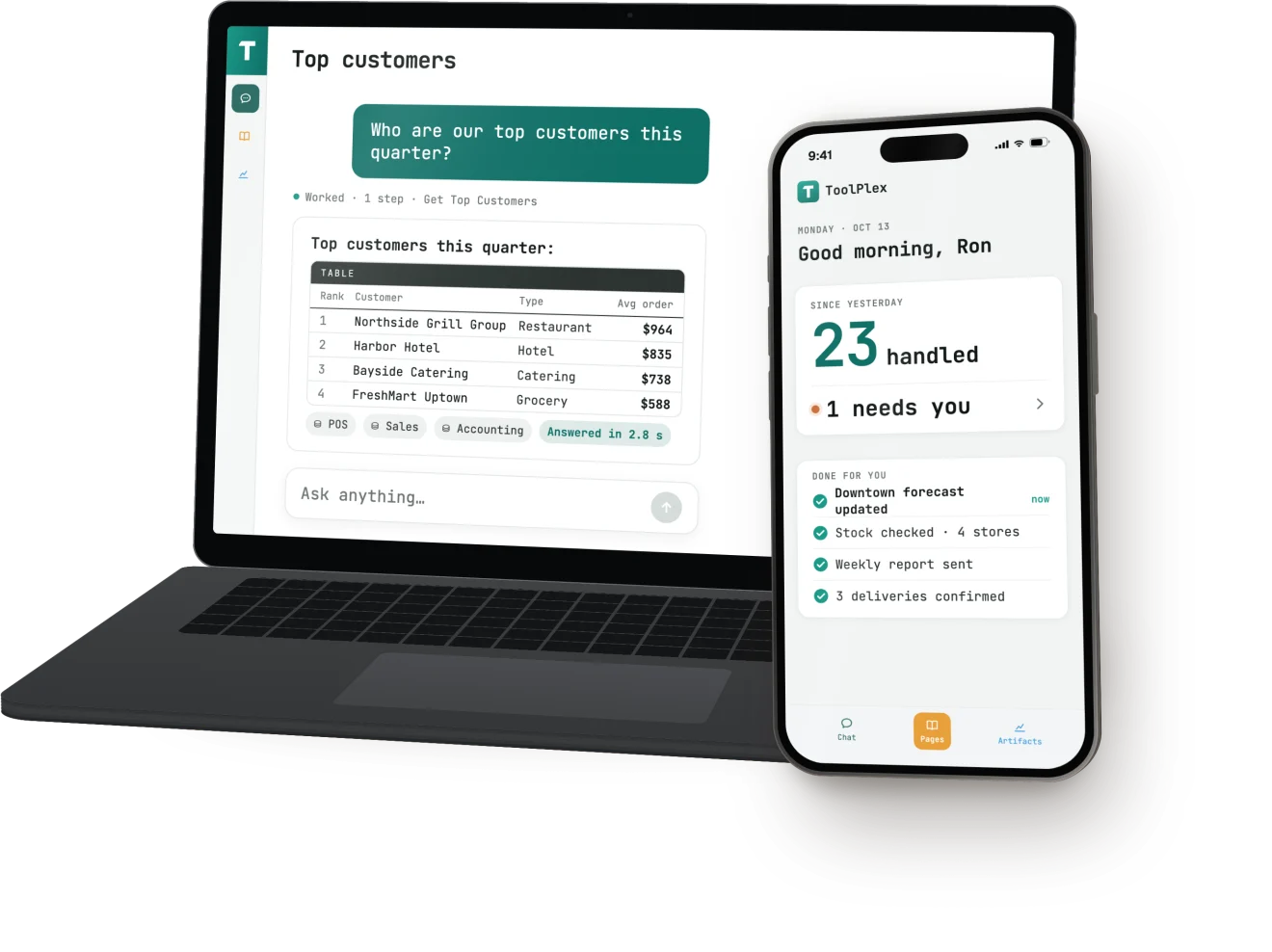
Staff use ToolPlex to check stock across warehouses, look up customer orders, review overdue invoices, and see what still needs to be fulfilled.

What ToolPlex does

One platform for forecasts, reports, and daily work.

Start with one module, such as Demand & Inventory Planning or Data Reconciliation & Reporting. Add others without setting up a new platform each time.

i.

Demand forecasting

Plan demand by item and location, account for seasons and promotions, and spot where stock should move before you buy more.

Compared with your current forecast
ii.

Understand customer behavior

Find useful customer groups, see whose visits or purchases are declining, and improve targeting with the transaction data you already have.

No new customer data needed
iii.

Connect and clean your data

Bring sales, inventory, dispatch, and customer data together even when it lives in different systems and file formats.

Works across systems and file formats
iv.

Distributor & data reconciliation

Combine files from distributors and operating systems, match the same customer across them, and trace every difference back to its source.

Every number traces back to its source
v.

Operations monitoring

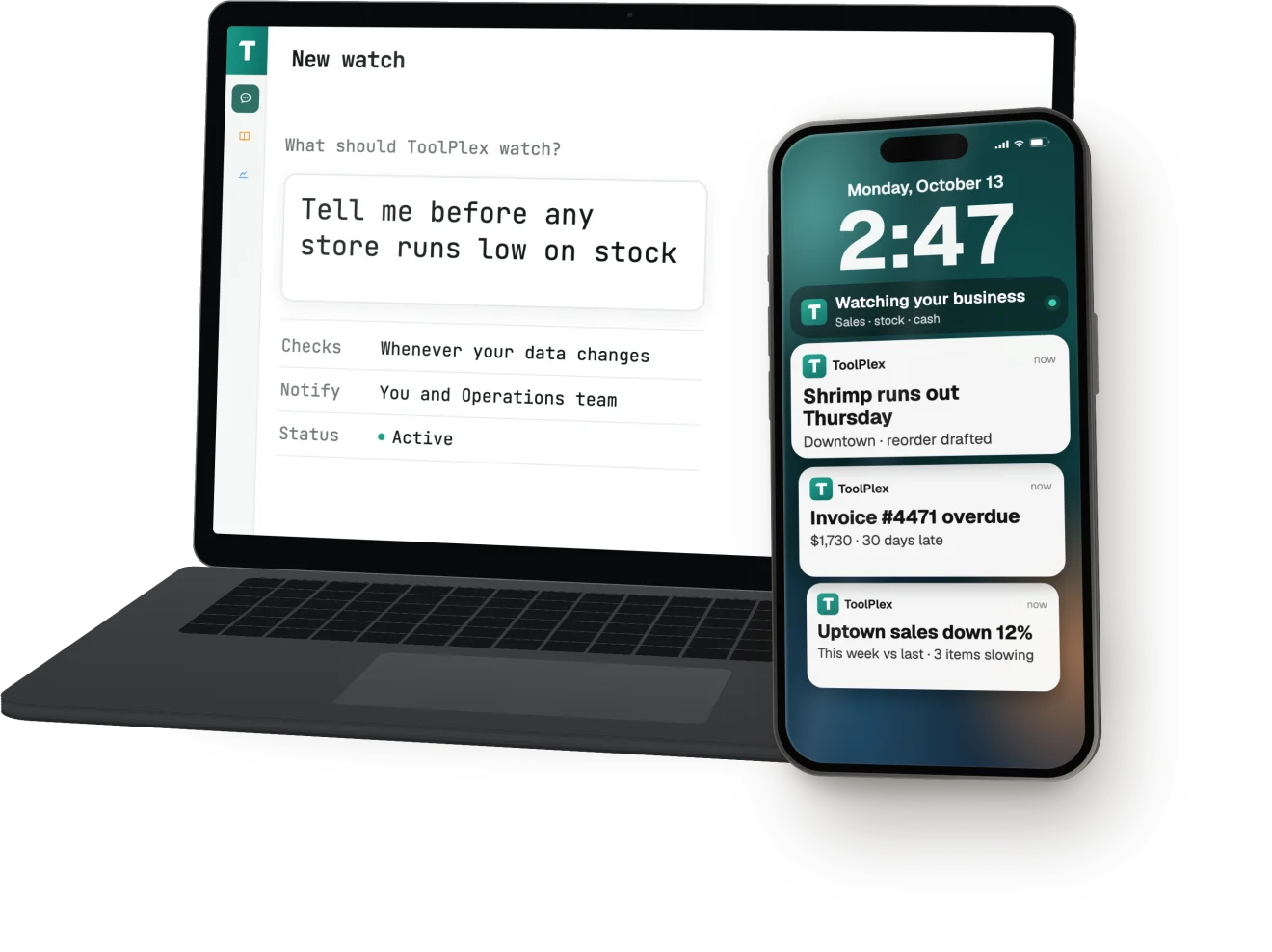
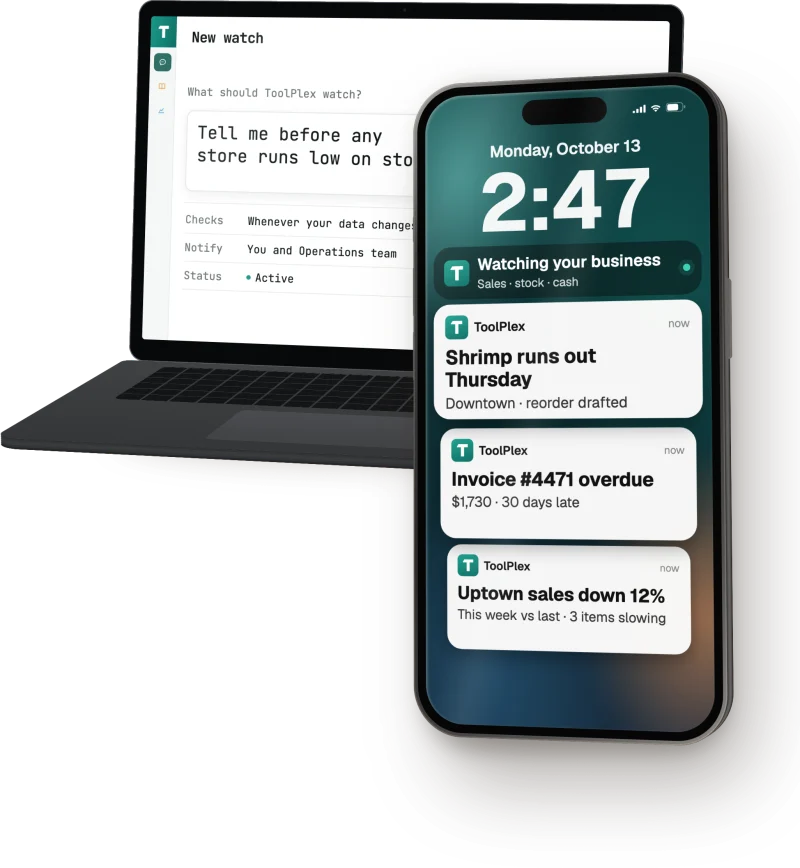
Monitor stock, orders, deliveries, and other operating conditions. Alert the right person and require approval before sensitive actions run.

Approval required for sensitive actions
vi.

Answers from live company data

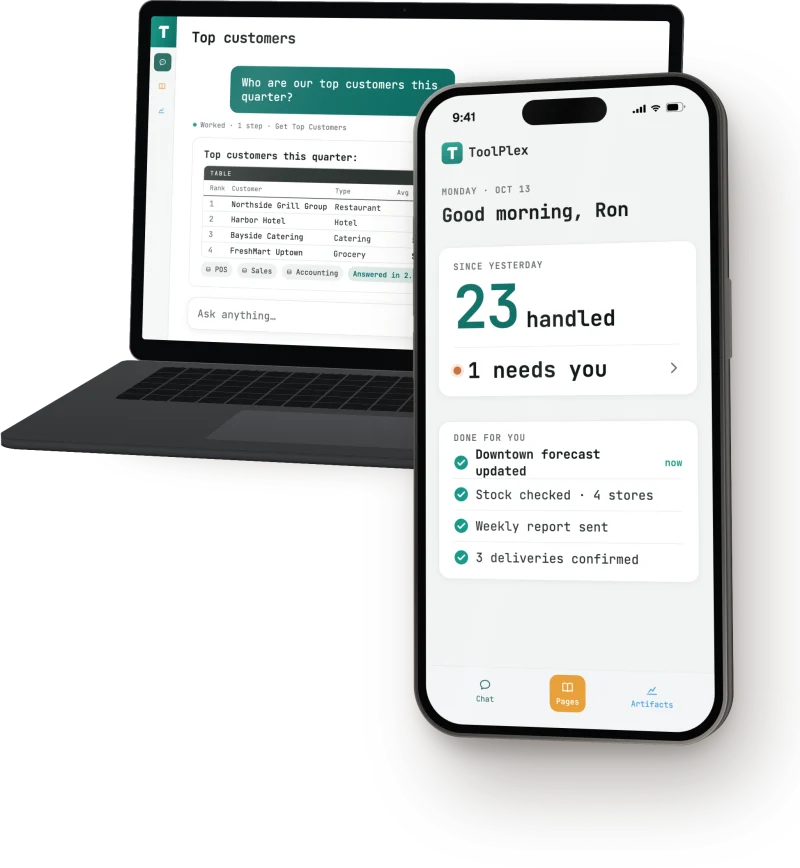
Let teams ask questions about live company data from desktop or mobile, with access limited to what each person is allowed to see.

Access follows each person's role
Desktop and mobile

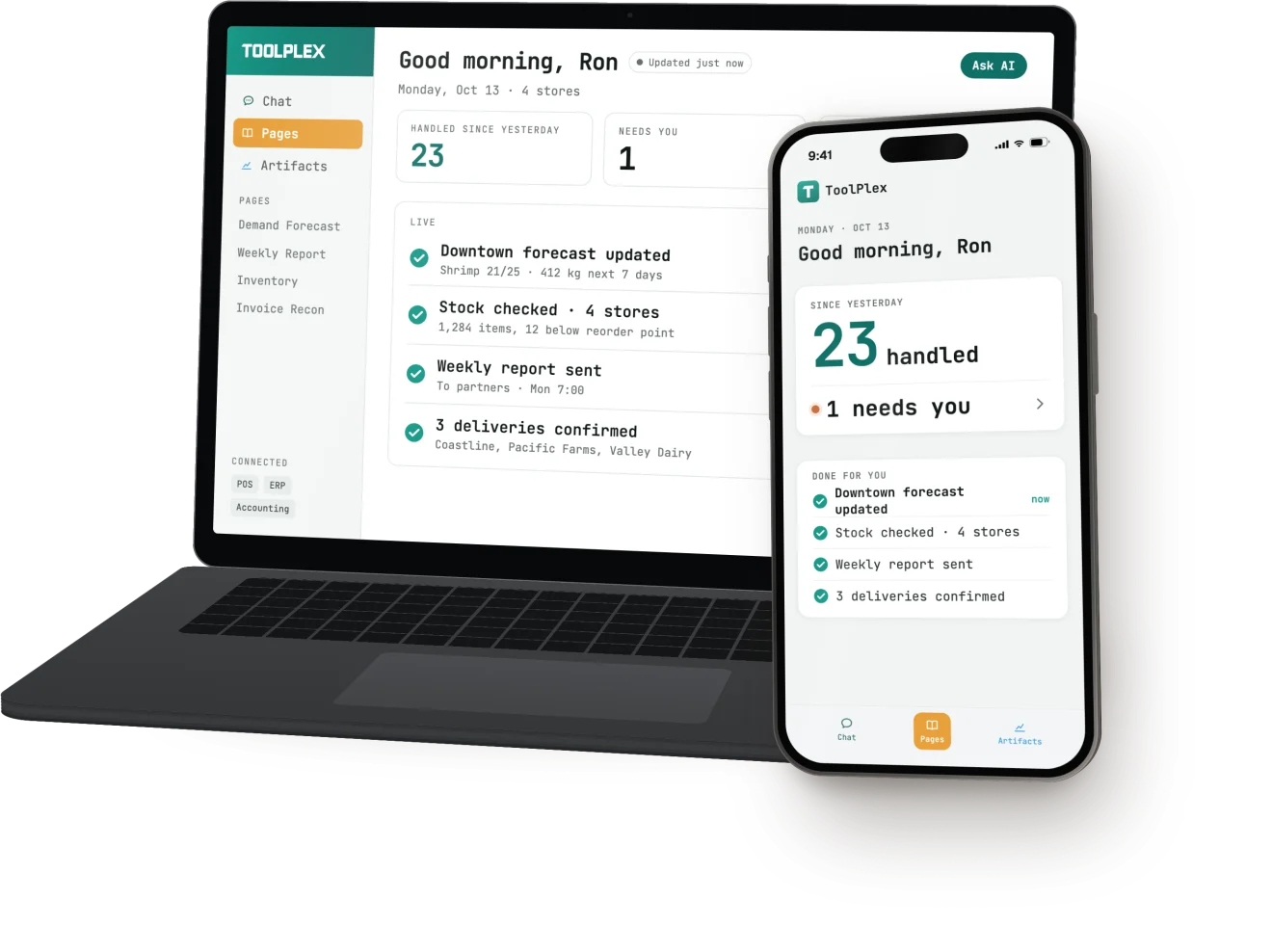
Use ToolPlex on desktop or iPhone.

Use ToolPlex from Mac, Windows, Linux, or iPhone. Work started on one device is available on the others, with the same access rules and activity history.

  • DesktopReview forecasts, run recurring jobs, ask questions, and share dashboards from Mac, Windows, or Linux.
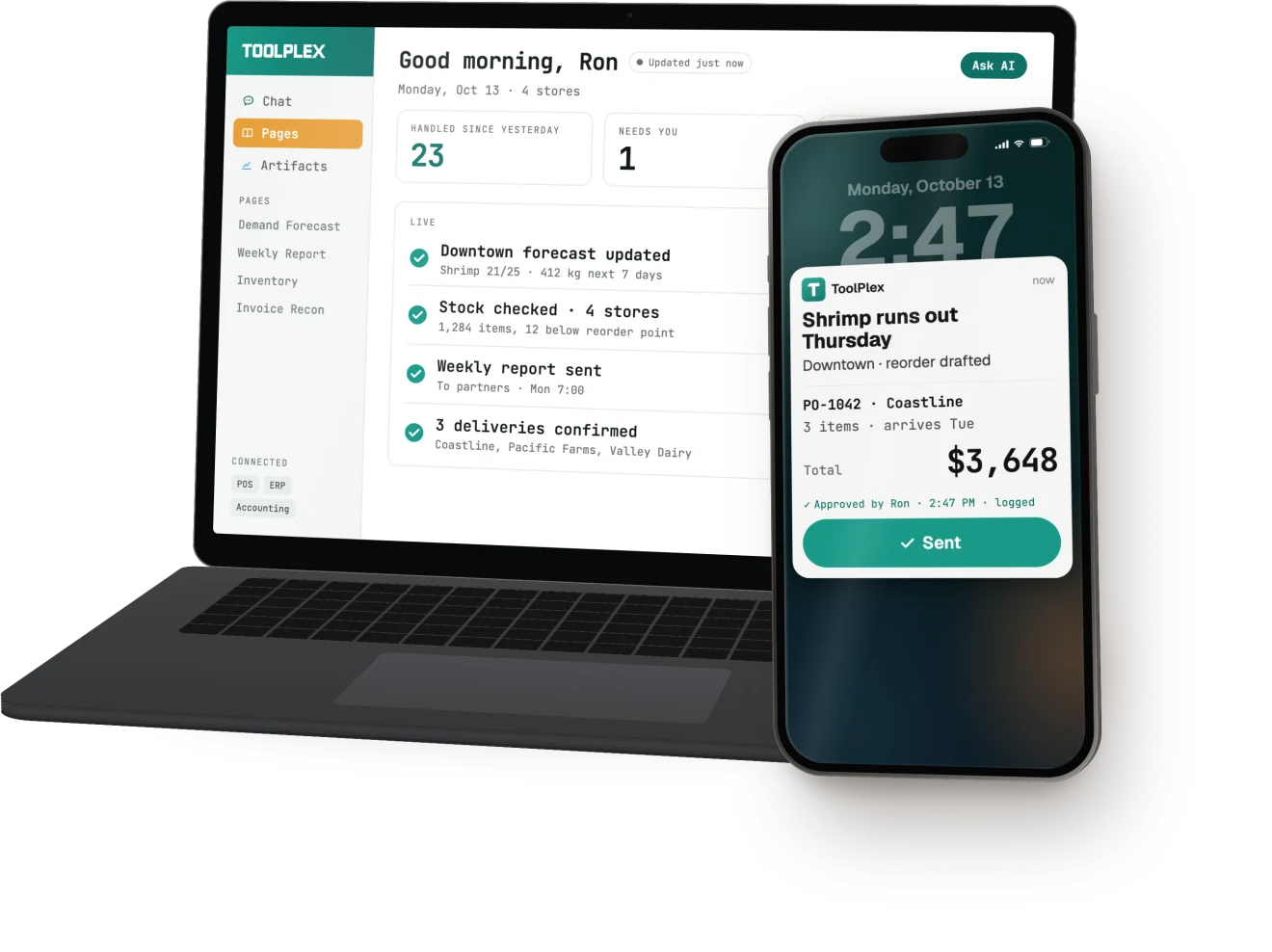
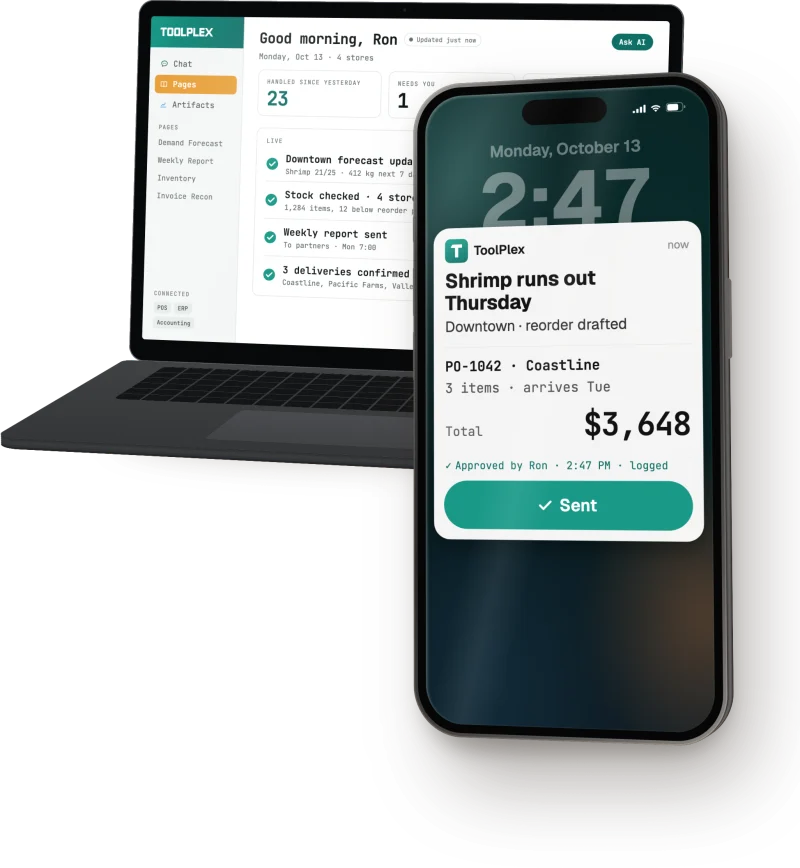
  • iOSNative iOS app for approvals, alerts, and work away from a desk. Notifications show what needs attention, and approvals can be handled from the lock screen.
  • ApprovalsSensitive actions wait for the right person to approve them, with a complete record of what happened.
  • AccessField staff see what they need, while leadership can see the wider operation. The same rules apply on every device.
ToolPlex desktop workspace
ToolPlex iOS app
Why ToolPlex

ToolPlex works with
your current systems.

We connect ToolPlex to your current software and data, then configure it around your security requirements, approved AI providers, and access rules.

01

Use the AI provider that fits the job

ToolPlex works with Anthropic, OpenAI, AWS Bedrock, and models hosted in your region. You can change providers later.

02

Connect the software you already use

We build around your actual systems and data, including older software and files that do not follow a standard format.

03

Your company gets its own environment

It is not shared with another client. Your data and encryption keys stay separate.

04

Fit your security requirements

Choose a suitable deployment region. We can also support stricter data-hosting requirements when needed.

05

No system replacement required

ToolPlex works with your current software. You keep those systems unless replacing one is already part of your plan.

Security & Compliance

Your data stays under your control.

Your company gets a dedicated environment. Data is encrypted, you choose the deployment region, and every automated action is logged.

Your data is not used for training

  • Never trained on your data
  • AI models run from your dedicated environment
  • Your environment is isolated from other customers
  • Zero data retention on AI API calls

Encryption

  • Full-disk encryption at rest
  • TLS for all in-transit data
  • Application-level encryption for sensitive fields and credentials
  • Master keys split across multiple keyholders

Data residency

  • Data stays in the region you choose
  • Multiple regions available for data-residency compliance
  • Dedicated cloud infrastructure per deployment
  • Datacenter isolation with strict network boundaries

Access control

  • Key-based authentication only, no passwords
  • Role-based access on every operation
  • Just-in-time privileged access, full audit trail
  • Continuous monitoring with automated alerting

Audit & logging

  • Every automated action is logged
  • Logging on all administrative operations
  • Incident response procedures documented and tested
  • Change management controls in place

Backup & recovery

  • Encrypted backups in multiple locations
  • Cross-location replication
  • Disaster recovery drills on a regular cadence
  • Automated backup integrity checks
FAQ

Frequently asked questions.

ToolPlex is software that connects to your company's data and existing systems. It can handle forecasting, reporting, reconciliation, recurring work, and questions about live operations. It includes role-based access, approval rules, and activity logs. We build the models, rules, automations, and AI assistants behind it, and maintain everything after launch.

We start with a real problem in your business, test the solution with your data, then deploy and maintain it on ToolPlex. Demand planning, reporting, reconciliation, inventory decisions, and recurring operational work are common starting points.

We connect to databases, ERP and inventory systems, cloud software, spreadsheets, shared drives, email, and internal APIs. Older systems and inconsistent files are common in our client work. We review the actual systems before confirming scope.

We need a project owner from your team, access to the relevant systems or sample files, and time with the people who do the work today. That input helps us understand exceptions, check the outputs, and decide what is ready to use.

We usually aim to put the first working version in front of your team within 60 days. Timing depends on access to data, the condition of the source systems, and how quickly your team can review it.

Usually not. ToolPlex sits on top of the systems you already use and gives your team a better way to work across them. You only replace an existing system if that is already part of your plan.

Only when you want it to. A deployment can be read-only, or it can perform specific actions such as drafting an order or updating a record. Sensitive actions can require approval, and every action is logged.

Your company gets its own environment. Data is encrypted in storage and while moving between systems, access follows each person's role, and system activity is logged. We do not use your data to train shared AI models. You can choose a suitable deployment region, and we can support stricter data-hosting requirements when needed.

We monitor and maintain the systems and connections in your subscription. If something we operate breaks, we fix it. We can also add more work over time. A major addition is scoped separately before we begin.

Discovery is free. A proof of concept has a project fee based on the work involved. The ongoing subscription is priced by the work ToolPlex handles, not by the number of users. It includes AI usage, support, and ongoing maintenance. Major additions are agreed and priced before work starts.

Tell us what
you’re working on.
